Rename photos by what is in them
A camera calls a photo DSC_4801.jpg, which tells you nothing and tells Google less. Kovert reads each image with a vision model running on your own machine and renames it for what it shows. Nothing is uploaded, and there are no credits to buy.
v0.1.0 · Windows 10 and later · macOS on Apple Silicon · free for personal use
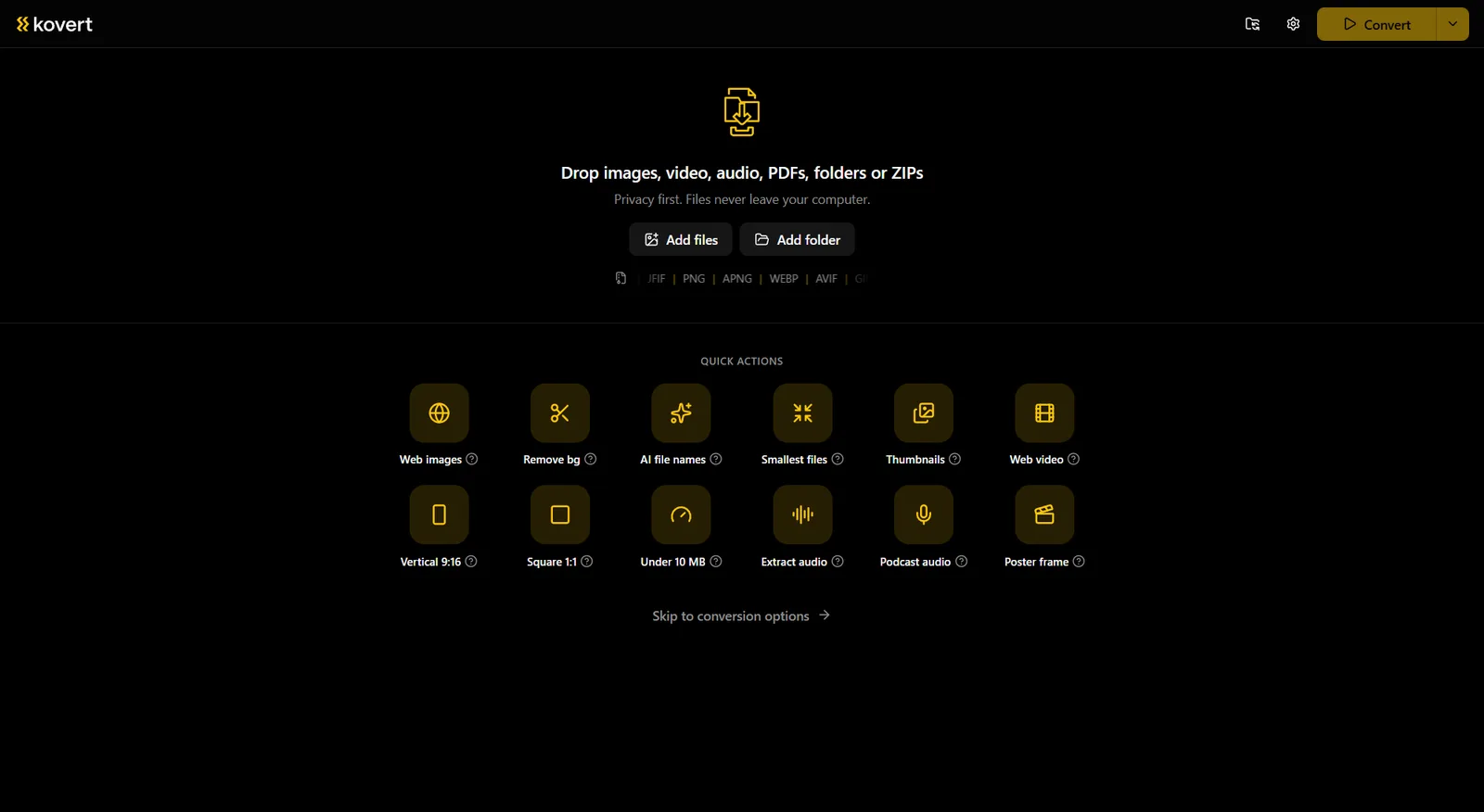
Folder in, real names out
Drop the photos in
A folder or a zip, as many images as the disk holds. Mixed batches are fine, videos in the same drop keep normal pattern names.
Pick a prompt style
SEO is the default, with photoshoot, carspotter and product next to it. The prompt is plain text and fully editable, and a good custom prompt can be saved and shared as a key.
Press convert
Each image is downscaled to 640 px, sent to your model, and named from the answer, lowercase and hyphenated. If a call fails, that file keeps a normal name and the run carries on.
What the names look like
DSC_4801.jpg becomes golden-retriever-puppy-park.webp. IMG_0231.heic becomes red-brick-townhouse-at-dusk.jpg. The model describes what it sees, Kovert turns that into a filename.
The AI name is one token in a naming pattern, next to index, date and EXIF tokens like camera, lens, ISO, shutter, aperture and focal length. A product shoot can come out as 2026-03-white-ceramic-mug-handle-left-014.webp without a keyboard being touched.
For a shop with 300 product photos, that is the difference between a media library search engines can read and one they cannot.
You bring the model
Kovert ships no model and calls no cloud. It talks to a vision model you run yourself in Ollama, on the same machine or on a server you own, and asks only for its address.
Setup is on you and takes a few minutes: install Ollama, pull a vision model such as LLaVA, Moondream, Qwen-VL or Gemma, and point Kovert at it. Because every image is downscaled to 640 px before it is sent, even modest hardware gets through a folder quickly.
For client shoots this is the whole point. The images go to your own hardware and nowhere else.
No per-image pricing
Web renamers price by the image, monthly credits with caps around 100 photos on the small plans. Kovert has no per-image anything.
A 3,000 photo archive costs the same to rename as ten photos, which is nothing.
Questions
- Which models work?
- Any vision model Ollama serves. LLaVA, Moondream, Qwen-VL and Gemma all work, and small models stay quick because Kovert sends a 640 px version of each image.
- Do my photos leave my machine?
- No. They go to the Ollama address you configured, your own PC or your own server, and nowhere else. The renamer has no cloud side.
- What happens when the model fails on an image?
- That file gets a normal pattern name and the run keeps going. No stops, no half-finished batches.
- Does it rename videos too?
- No, the vision step is images only. Videos in the same batch are named by the pattern, with tokens like index and date.
- Can I change how the names read?
- Yes, the prompt is an ordinary text field. Edit it, or start from one of the four styles, and save the result as a key you can share with a colleague.
- Is it free?
- At home, yes, all of it, no account. Work use needs a business licence, €49 a seat, one time. The models themselves are free downloads through Ollama.
Related
- Convert to WebP
Rename and convert to WebP in the same run.
- Background remover
The other half of a product photo pipeline.
- Compress images
Those 300 product photos are probably too heavy too.
Point it at a folder and see what comes back.
v0.1.0 · Windows 10 and later · macOS on Apple Silicon