Batch HEIC to JPG converter for Windows and Mac
iPhones save photos as HEIC, and half the software on a Windows PC will not open one. Kovert converts a whole camera roll to JPG on your own machine. Nothing is uploaded, and the originals stay where they are.
v0.1.0 · Windows 10 and later · macOS on Apple Silicon · free for personal use
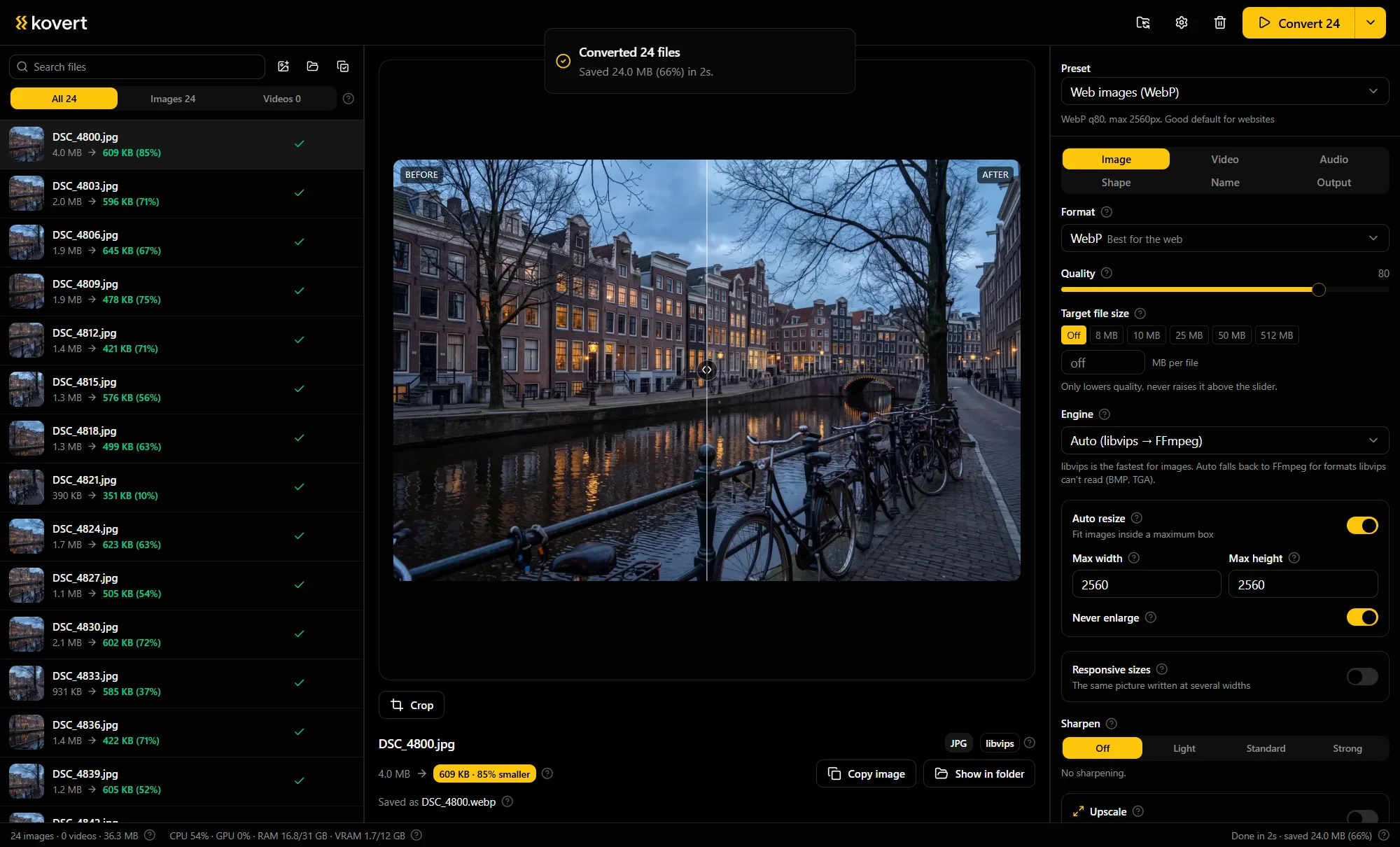
Folder in, JPGs out
Drop the photos in
A folder works, and so does the zip your phone or iCloud exported. If there are subfolders, Kovert asks whether they come along.
Pick JPG
Set a quality or leave the preset at 82, which is hard to tell from the original. HEIC to plain JPG has its own fast path, so a big roll moves quickly.
Press convert
Every JPG lands in a converted folder next to the source. Photos come out upright, and you choose whether the metadata comes along.
Why Windows will not open HEIC
HEIC is the format Apple adopted in 2017: about half the size of a JPG at the same quality, with patchy support everywhere else. Windows needs an HEVC extension from the Store before Photos shows one, and plenty of apps, upload forms and printers refuse the format either way.
Kovert does not use that extension. It decodes HEIC itself, so it works on a clean Windows install. On a Mac it uses the decoder the system already has.
What happens to rotation and EXIF
Rotation is applied, not copied, so a photo shot sideways comes out upright everywhere.
Metadata is a choice with three positions: keep everything, strip everything, or keep the camera EXIF and drop the GPS position. Shot dates survive the first and the last.
Uploading a camera roll, or not
The usual way to convert HEIC is a website. That works for five photos and stops being fun at five hundred.
| Web converter | Kovert | |
|---|---|---|
| 2,000 photos, about 5 GB | Around half an hour of uploading at 20 Mbps before work starts | Starts the moment you drop the folder |
| File limits | Caps and queues on every free tier | Your disk is the limit |
| Where the photos go | A server, with a retention policy to read | Nowhere |
Upload time is arithmetic, not a benchmark: 5 GB over a 20 Mbps uplink is about 33 minutes.
Questions
- Does converting HEIC to JPG lose quality?
- A little, that is what re-encoding is. At quality 82 you will struggle to see it, and the HEIC original stays on disk untouched.
- What about Live Photos?
- A Live Photo comes off the phone as a photo plus a short clip. Kovert converts both, the HEIC to JPG and the MOV to MP4, as two files.
- Can it write HEIC too?
- No. Kovert reads HEIC and writes the formats everything opens: JPG, PNG, WebP, AVIF and the rest.
- JPG or PNG for photos?
- JPG. PNG is for screenshots and hard-edged graphics, and turns a photo into a file several times the size.
- Is it free?
- At home, yes: every feature, no account, no expiry. Used for work it needs a business licence, €49 a seat, one time.
Related
- Convert to WebP
Going to WebP instead of JPG saves another third.
- MOV to MP4
The video half of the same camera roll.
- Compress images
Already in JPG and just too big.
Point it at a folder and see what comes back.
v0.1.0 · Windows 10 and later · macOS on Apple Silicon