Background remover that never uploads your photos
The well known web removers charge about €0.20 an image, and every photo goes to their server first. Kovert runs the model on the graphics chip already in your machine. A thousand cutouts cost the same as one.
v0.1.0 · Windows 10 and later · macOS on Apple Silicon · free for personal use
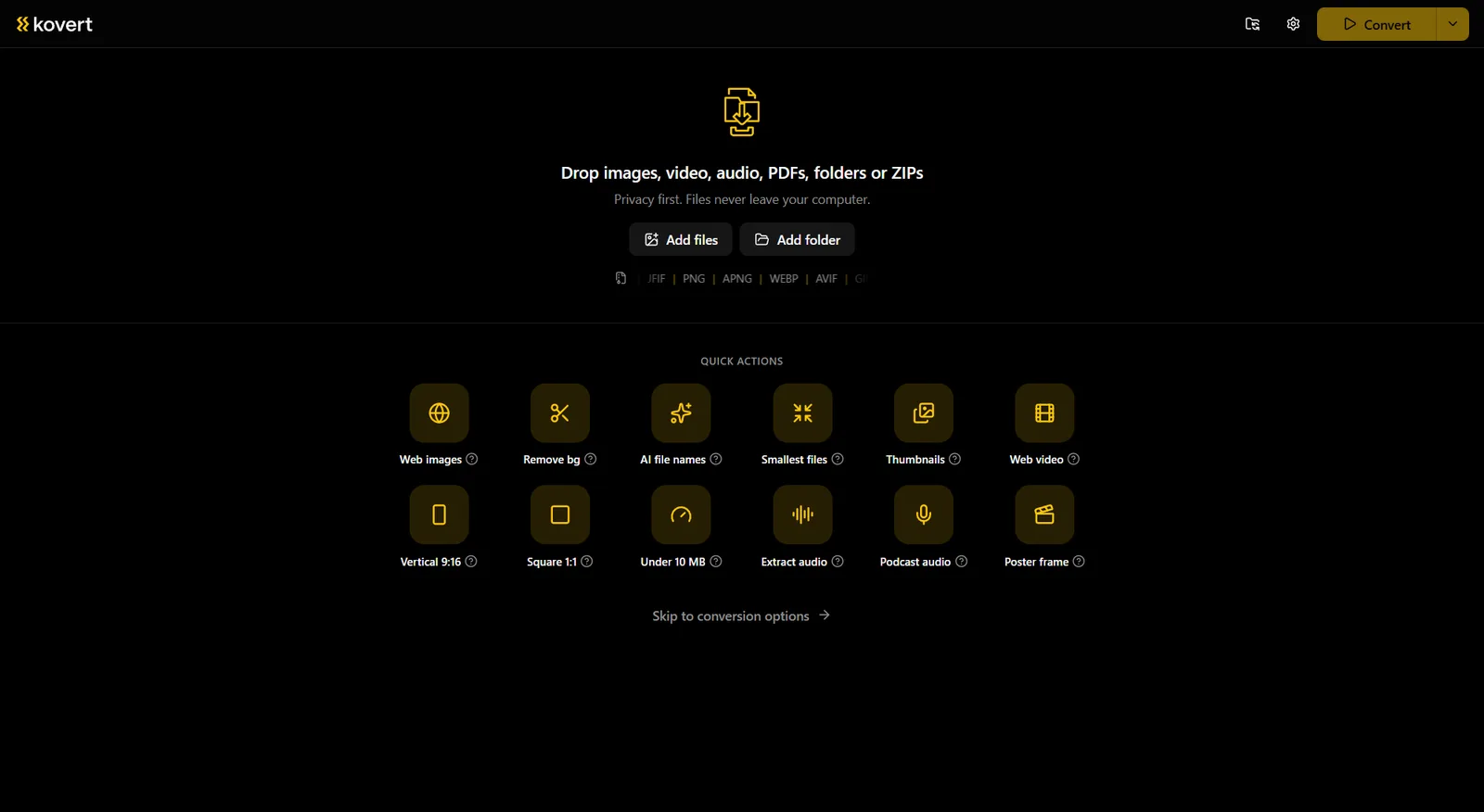
A folder of cutouts in three moves
Download a model once
One click in settings, a progress bar, a delete button for later. The standard model is about 220 MB and runs fine on an 8 GB machine.
Drop the photos
A folder or a zip. Pick PNG or WebP to keep the transparency, or JPG to put the subject on white.
Convert
The model runs locally, through DirectML on Windows and CoreML on Apple Silicon. If a graphics driver gives up mid-run, the batch finishes on the processor.
Three models, one honest trade-off
The quick model is about 180 MB and enough for most product shots. The standard one, about 220 MB, is the default: close to the big one in quality at a quarter of the size.
The precise model is about 970 MB and earns it on hair and fine edges. It also wants memory, so under 16 GB of RAM, stay on the standard one.
What per-image pricing does at volume
| Images | Online, per image | Kovert |
|---|---|---|
| 50 | €10 | €0 |
| 250 | €50 | €0 |
| 1000 | €200 | €0 |
Online column at €0.20 an image, the going list rate for the well known web tools. The desktop app has no per-image price on either licence.
Edges you can steer
A cutout edge can be soft, standard or hard. Soft flatters hair, hard suits packshots going onto a flat colour.
Crop first when the subject is small in the frame. The model then works on the crop rather than the whole photo, and the edge gets the resolution.
Questions
- Do I need a graphics card?
- No. A GPU makes it quick, the processor makes it certain. Kovert uses DirectML or CoreML when it can and falls back on its own when it cannot.
- How good is it next to the web tools?
- On product shots you will struggle to tell. Hair and fur is where the precise model earns its 970 MB. And when one photo really will not cut cleanly, nothing stops you sending that single image to a web tool.
- Which formats keep the transparency?
- PNG and WebP. JPG has no transparency, so there the subject lands on a white background.
- Does it work on video?
- No. Background removal in Kovert is for images.
- What does it cost?
- Nothing at home, the feature is part of free personal use. At work it is covered by the €49 seat, still with no per-image meter.
Related
- AI photo renamer
The other local model: files named for what is in them.
- Compress images
Shrink the results before they go anywhere.
- Online vs desktop
The wider argument on uploads, caps and credits.
Point it at a folder and see what comes back.
v0.1.0 · Windows 10 and later · macOS on Apple Silicon